Want to save Sora 2 videos without the OpenAI watermark? Soradown makes it simple. Here's your complete guide to downloading AI-generated videos in their original quality.
Why Download Without Watermark?
OpenAI's default exports include a C2PA watermark and metadata tag. While these serve an important purpose for content authenticity, they can be distracting when you want to use clips in professional projects, presentations, or social media content.
Step-by-Step Guide
Step 1: Find Your Video Navigate to your Sora 2 creation on sora.chatgpt.com. Each video has a unique share URL that looks like: sora.chatgpt.com/p/s_xxxxx
Step 2: Copy the Link Click the share button on the video or copy the URL directly from your browser's address bar.
Step 3: Paste into Soradown Visit Soradown and paste the URL into the input field. Click the Download button.
Step 4: Wait for Processing Our servers will process the video — this typically takes 5-15 seconds depending on the video length and resolution.
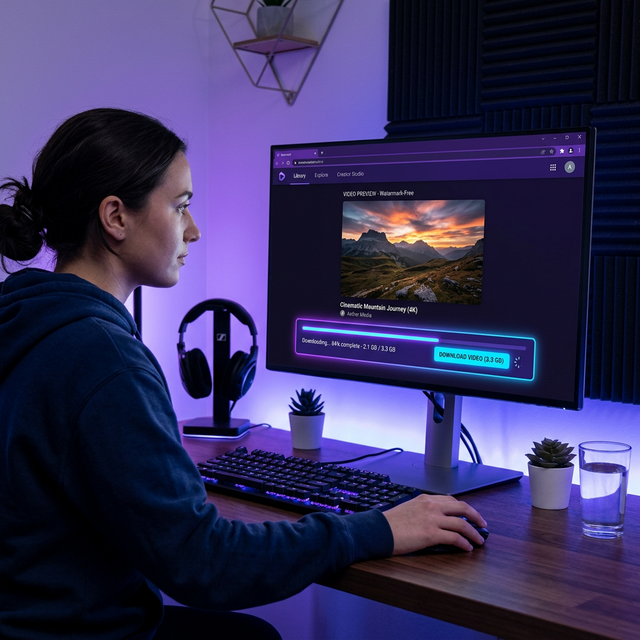
Step 5: Download Once processing is complete, click the Download MP4 button to save the video to your device.
Supported Formats
Soradown currently supports MP4 downloads in the original resolution. We're working on adding WebM and GIF export options in future updates.
Mobile Downloads
Soradown works on all mobile browsers. On iOS, tap the share button after the video appears and select "Save Video." On Android, the file saves to your Downloads folder automatically.
Tips for Best Results
- Always use the direct share link for best results
- Ensure the video is publicly shared before attempting to download
- If processing takes longer than 30 seconds, try refreshing and pasting the link again