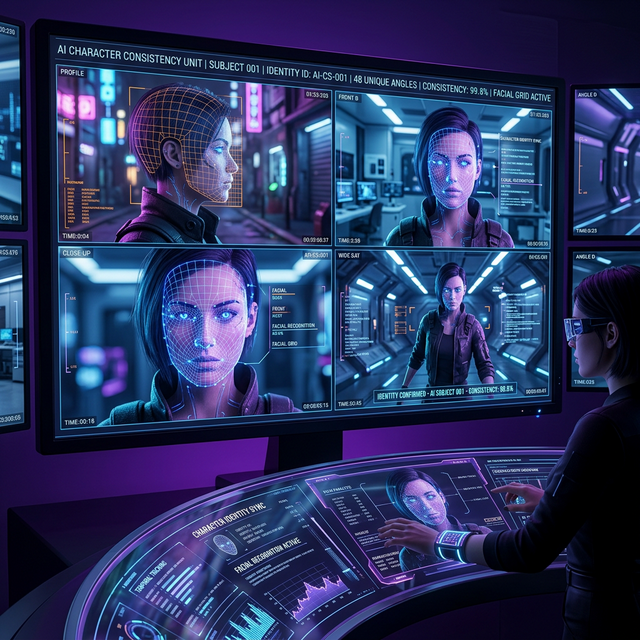
Maintaining consistent character appearance across multiple video clips has been one of the biggest challenges in AI video generation. Sora 2's Character Lock feature changes the game.
How Character Lock Works
Character Lock uses a reference image or a previously generated frame to establish a character's visual identity. Once locked, the model maintains facial features, body proportions, clothing, and hair style across subsequent generations.
Setting Up Character Lock
- 1Generate or upload a reference image of your character
- 2Click "Lock Character" in the Sora 2 interface
- 3Name the character for easy reference
- 4Use the character name in subsequent prompts: "Sarah walks through a park"
Tips for Best Consistency
- Front-facing reference images produce the best results
- Neutral expressions in the reference give the model more flexibility
- Simple clothing is maintained more reliably than complex patterns
- Lighting consistency in your prompts helps maintain appearance
Common Issues and Fixes
Hair Changes Between Shots Specify hair details explicitly: "Sarah with shoulder-length brown hair" in every prompt.
Clothing Shifts Describe key clothing elements: "wearing a red leather jacket and jeans"
Age Inconsistency Include age indicators: "a woman in her 30s" consistently across prompts.
Multi-Character Scenes
Sora 2 supports locking up to 3 characters simultaneously. In multi-character scenes, name each character explicitly in the prompt for best results.
Save your best character-consistent sequences with Soradown to build a visual reference library.