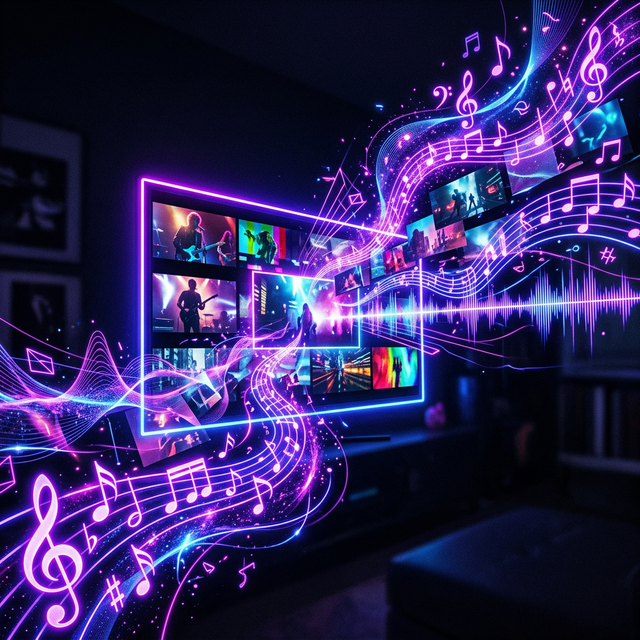
One of the most requested features for AI video generation has finally arrived: native audio. Sora 2 can now generate synchronized sound alongside its videos, creating a truly complete multimedia experience.
Types of Audio Sora 2 Can Generate
Ambient Sound: Rain pattering on windows, city traffic, ocean waves, forest birds — Sora 2 generates contextually appropriate environmental audio that matches the scene.
Sound Effects: Footsteps, door creaks, glass breaking, engine revving — action-specific sounds are timed to visual events in the video.
Background Music: Simple musical compositions that match the mood of the scene. While not replacement for custom scoring, it provides a solid foundation.
How It Works
Sora 2 uses a parallel audio diffusion model that's trained alongside the video model. During generation, both streams are produced simultaneously, ensuring tight synchronization between visual and audio elements.
Limitations
Speech generation is still limited. While Sora 2 can produce crowd murmur and indistinct dialogue, clear spoken words are not yet reliable. For voiceover, tools like ElevenLabs remain the better choice.
Musical complexity is also limited to relatively simple compositions. Don't expect full orchestral scores.
Best Prompts for Audio
Include audio cues in your prompts: "with the sound of crashing waves," "accompanied by soft piano music," or "the crunch of footsteps on gravel." These additions significantly improve audio quality and relevance.