Sora 2's native 4K output is impressive, but getting the best quality requires understanding the right settings and workflow. Here's your complete guide to broadcast-quality exports.
Resolution Options
- 720p (1280x720) — Fastest generation, lowest credit cost. Good for previews.
- 1080p (1920x1080) — The sweet spot for most social media content.
- 4K (3840x2160) — Maximum quality for professional use. Requires Pro subscription.
Aspect Ratios
Sora 2 supports multiple aspect ratios: - 16:9 — Standard widescreen (YouTube, presentations) - 9:16 — Vertical (TikTok, Instagram Reels, YouTube Shorts) - 1:1 — Square (Instagram posts) - 21:9 — Ultrawide (cinematic feel)
Achieving Best Quality
- 1Generate at your target resolution — upscaling from 720p to 4K loses quality
- 2Use specific detail prompts — "highly detailed, sharp focus, 4K quality"
- 3Avoid complex fast motion — compression artifacts increase with rapid movement
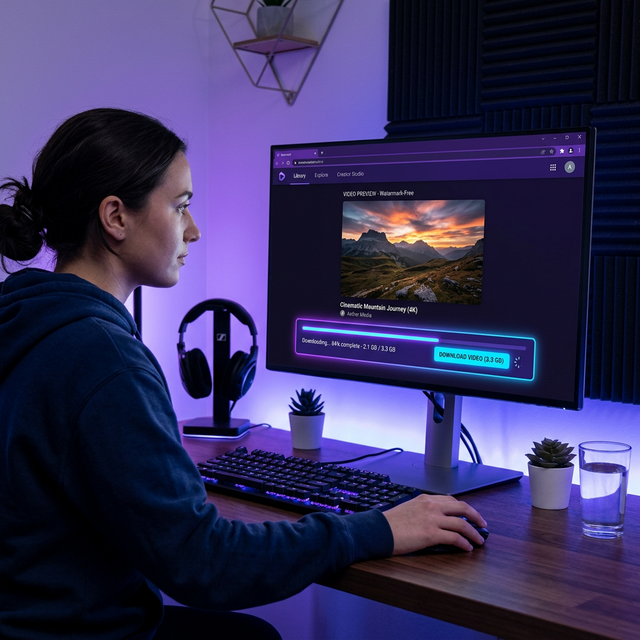
- 4Download promptly — Sora 2 generates temps that expire after 24 hours
External Upscaling
For Sora 2 clips generated at 1080p, external upscalers like Topaz Video AI can produce excellent 4K results. This is a cost-effective alternative to native 4K generation.
Color Space
Sora 2 outputs in BT.709 color space. For HDR workflows, you'll need to convert in post-production using DaVinci Resolve or similar tools.
Always use Soradown to download the original quality file before any processing — re-encoding from a screen recording dramatically reduces quality.