The rise of AI-generated content has created a new category of YouTube channels — faceless channels that use AI visuals to tell compelling stories. Here's how to build one with Sora 2.
The Faceless Channel Model
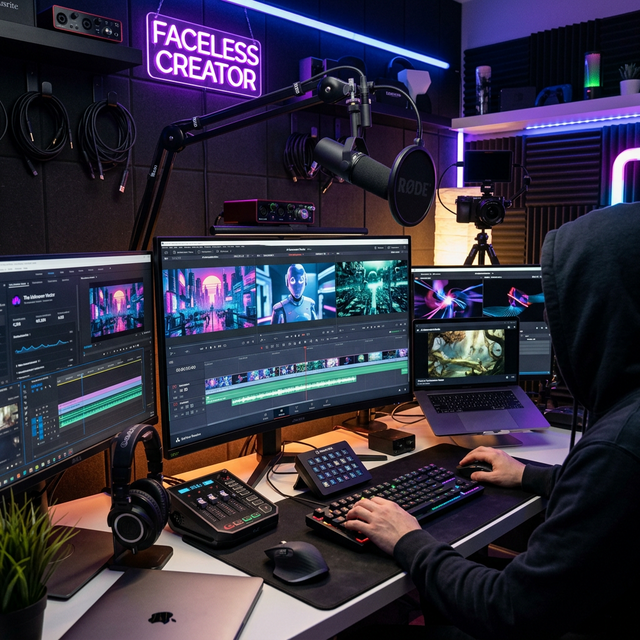
Faceless channels combine AI-generated visuals with voiceover narration to create educational, documentary, or entertainment content. Some of these channels are earning $10,000+ per month.
Workflow Step by Step
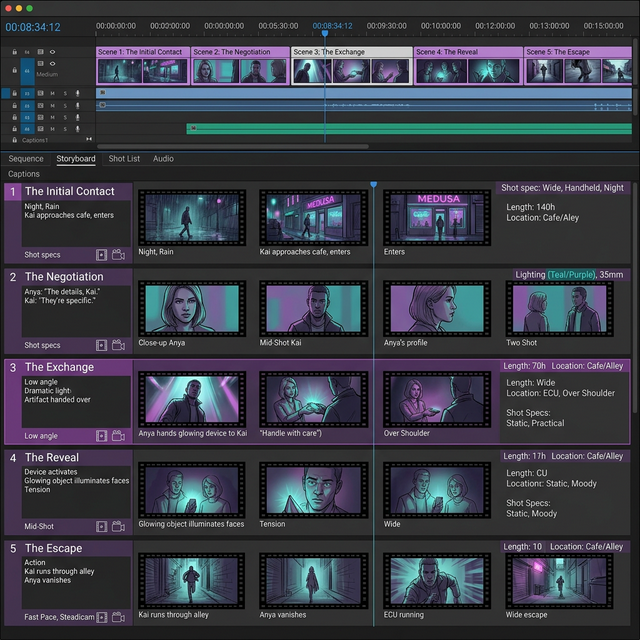
1. Script Writing Start with a compelling script. Use ChatGPT to help draft and refine your narrative. Break it into scenes of 10-20 seconds each.
2. Scene Generation For each scene, craft a Sora 2 prompt. Be specific about the visual style to maintain consistency across your video.
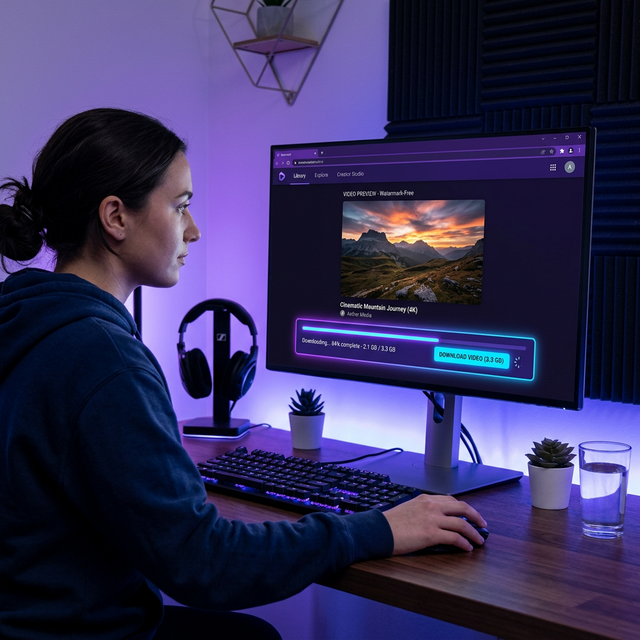
3. Download with Soradown Save each clip using Soradown to get clean, watermark-free footage for your project.
4. Voiceover Record your narration or use an AI voice tool like ElevenLabs for consistent, professional-sounding voiceover.
5. Editing Bring everything into your editor (Premiere Pro, DaVinci Resolve, or even CapCut). Layer voiceover, add transitions, and include text overlays.
6. Music and Sound Design Add background music from royalty-free libraries or use Sora 2's native audio as a base.
Popular Niches
- History and historical events
- Science explainers
- True crime documentaries
- Space and astronomy
- Nature documentaries
Monetization Tips
YouTube's current policy allows AI-generated content as long as it's disclosed. Focus on educational value and storytelling quality to build a loyal audience.