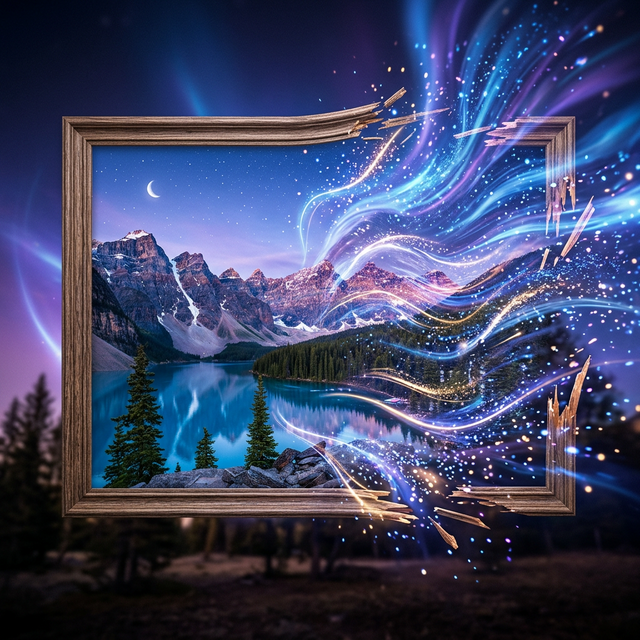
Sora 2's temporal controls allow you to create stunning slow-motion sequences and dramatic time-lapses that would require specialized equipment in traditional filmmaking.
Slow Motion
To generate slow-motion content, include temporal cues in your prompts:
- "In extreme slow motion, a hummingbird hovers near a flower"
- "Slow motion shot of raindrops hitting a puddle, 240fps feel"
- "A martial artist performing a spinning kick, slow motion, dramatic"
Tips for Best Slow Motion
- 1Focus on a single subject — Slow motion works best with clear focal points
- 2Simple backgrounds — Busy backgrounds can introduce artifacts
- 3Specify the speed feel — "120fps" vs "1000fps" gives different results
- 4Include detail cues — "individual water droplets visible" pushes for more detail
Time-Lapse
Time-lapse generation works similarly with temporal cues:
- "Time-lapse of a flower blooming from bud to full bloom"
- "City skyline transitioning from day to night, time-lapse"
- "Clouds racing across a mountain peak, hyperlapse style"
Hyperlapse
Combine time-lapse with camera movement for dramatic hyperlapse effects:
- "Hyperlapse moving through a busy Tokyo street at night"
- "Hyperlapse approaching a medieval castle with dramatic clouds"
Technical Considerations
- Slow motion clips benefit from higher resolution generation
- Time-lapses work best with longer durations (15-20 seconds)
- Combine with 4K for the most impressive results
Download your temporal effect masterpieces via Soradown.